Shape extrusion in surface design and orthographic rendering
Element coloring on the 2D plan, adjustable animation position for models, and other changes in Planoplan 4.0.2
- 25 june 2026
- 2995
Improvements
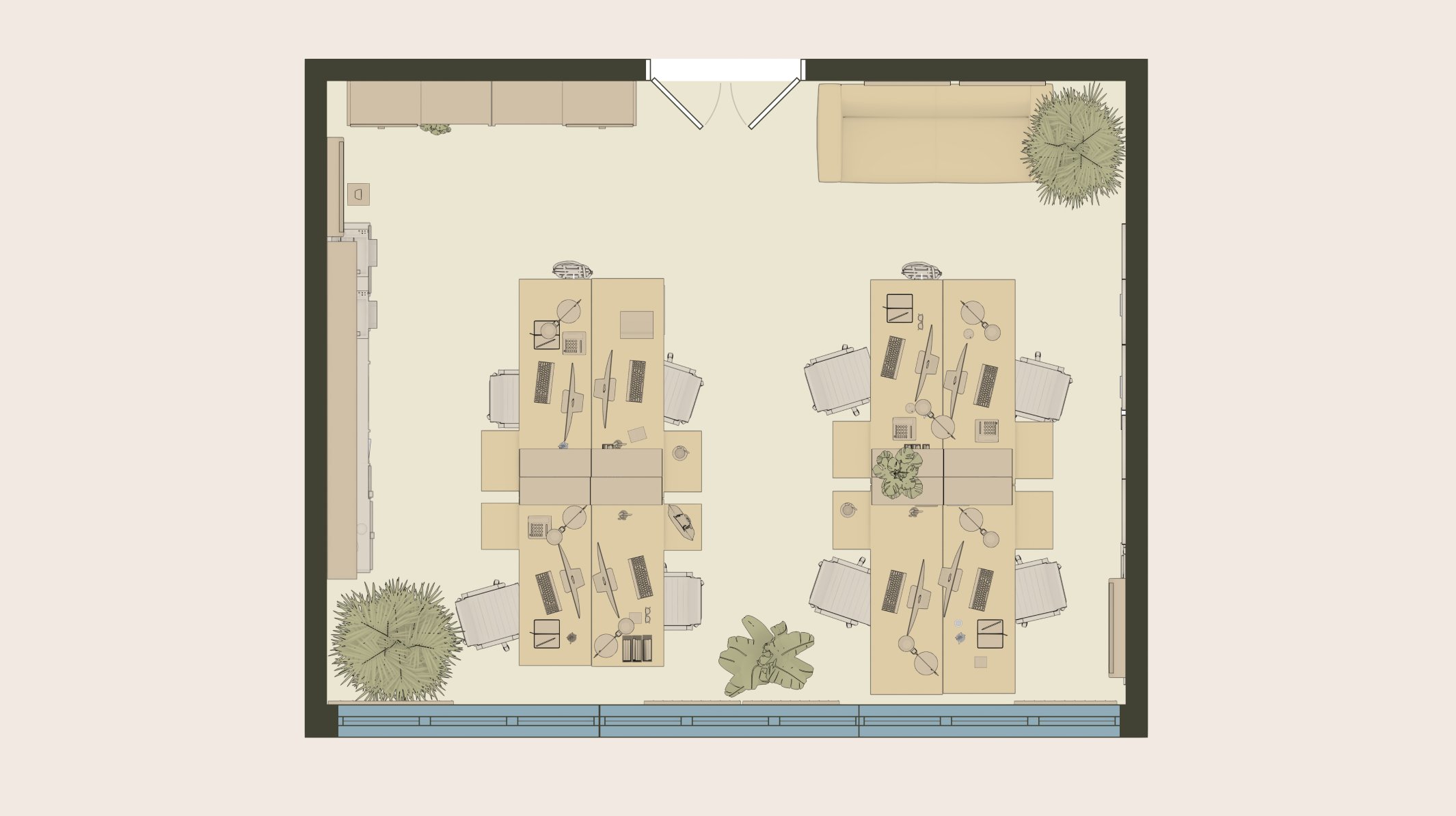
Element coloring on the plan
You can now assign a color to individual elements such as walls, rooms, and furniture. Useful for highlighting zones, separating rooms by color, or preparing a plan to show a client.
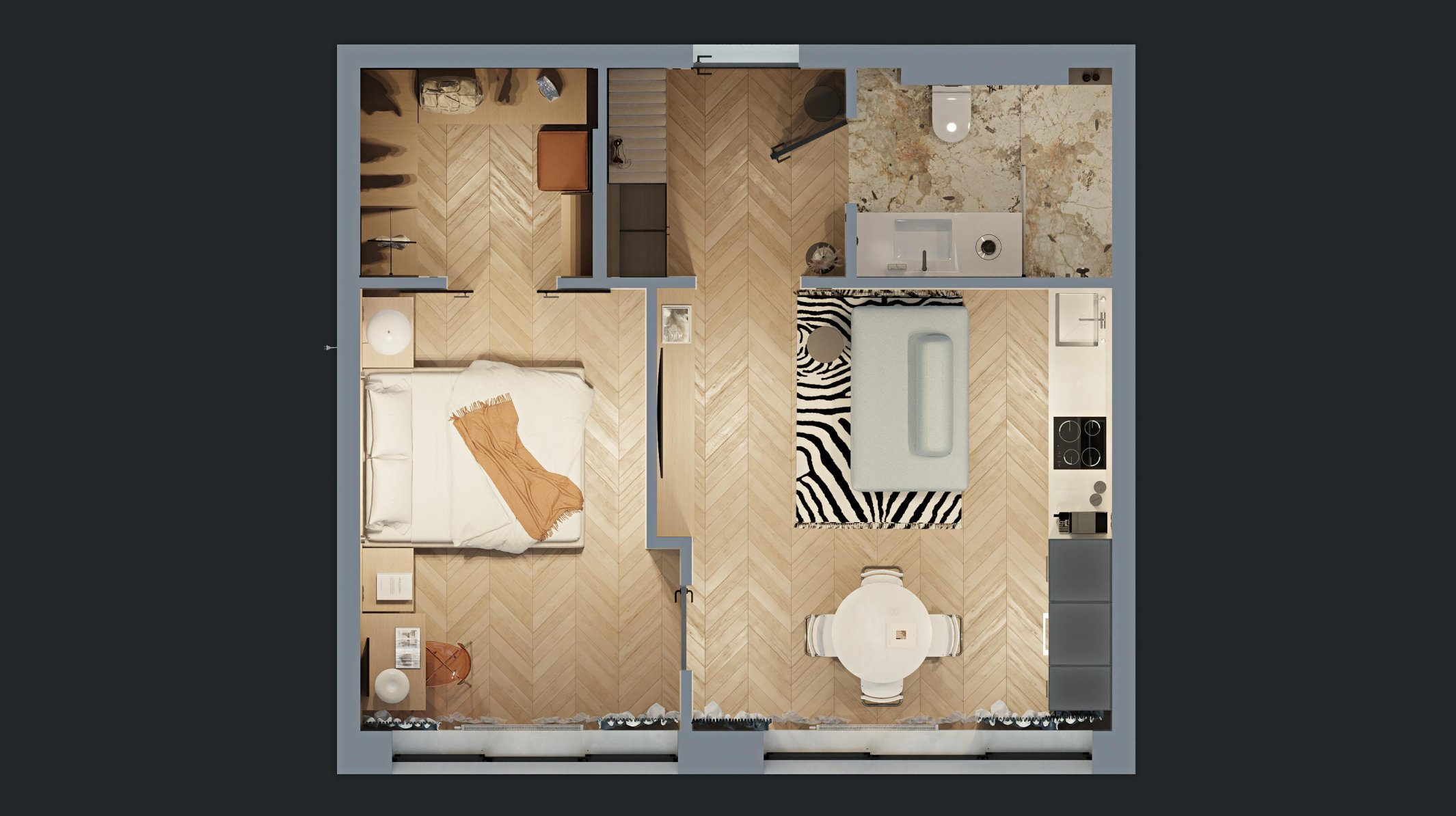
3D floor plan
A render in orthographic projection with materials, light, and shadows but no perspective distortion. Proportions stay accurate, just like on a drawing. A good way to show the client the whole project in one frame or add it to a portfolio.
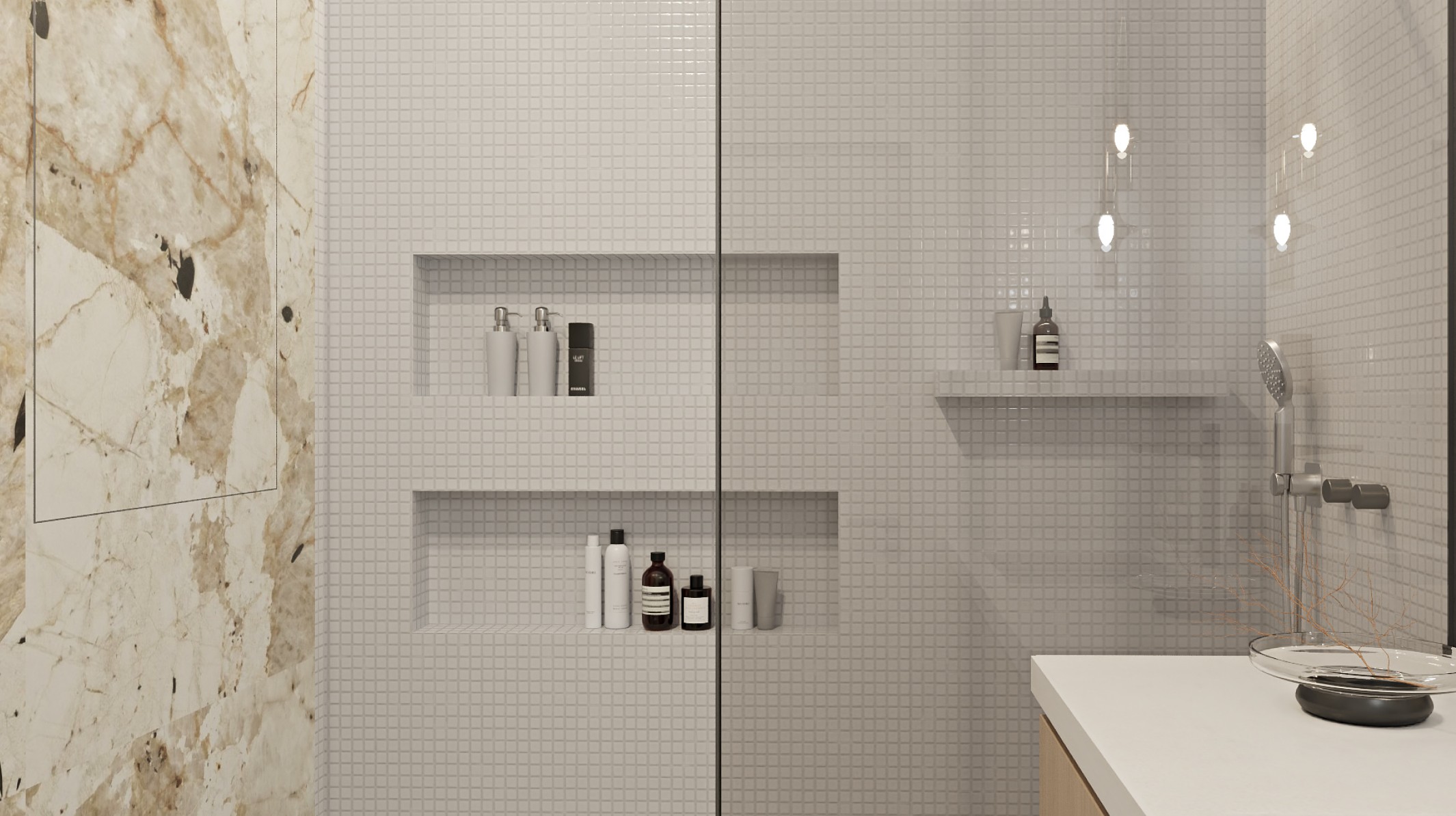
Extruding and copying shapes in surface design
Surface design now supports extrusion. Use it to create recesses for recessed lights, niches, shelves, and other raised details directly on a surface. Shapes can now also be copied.
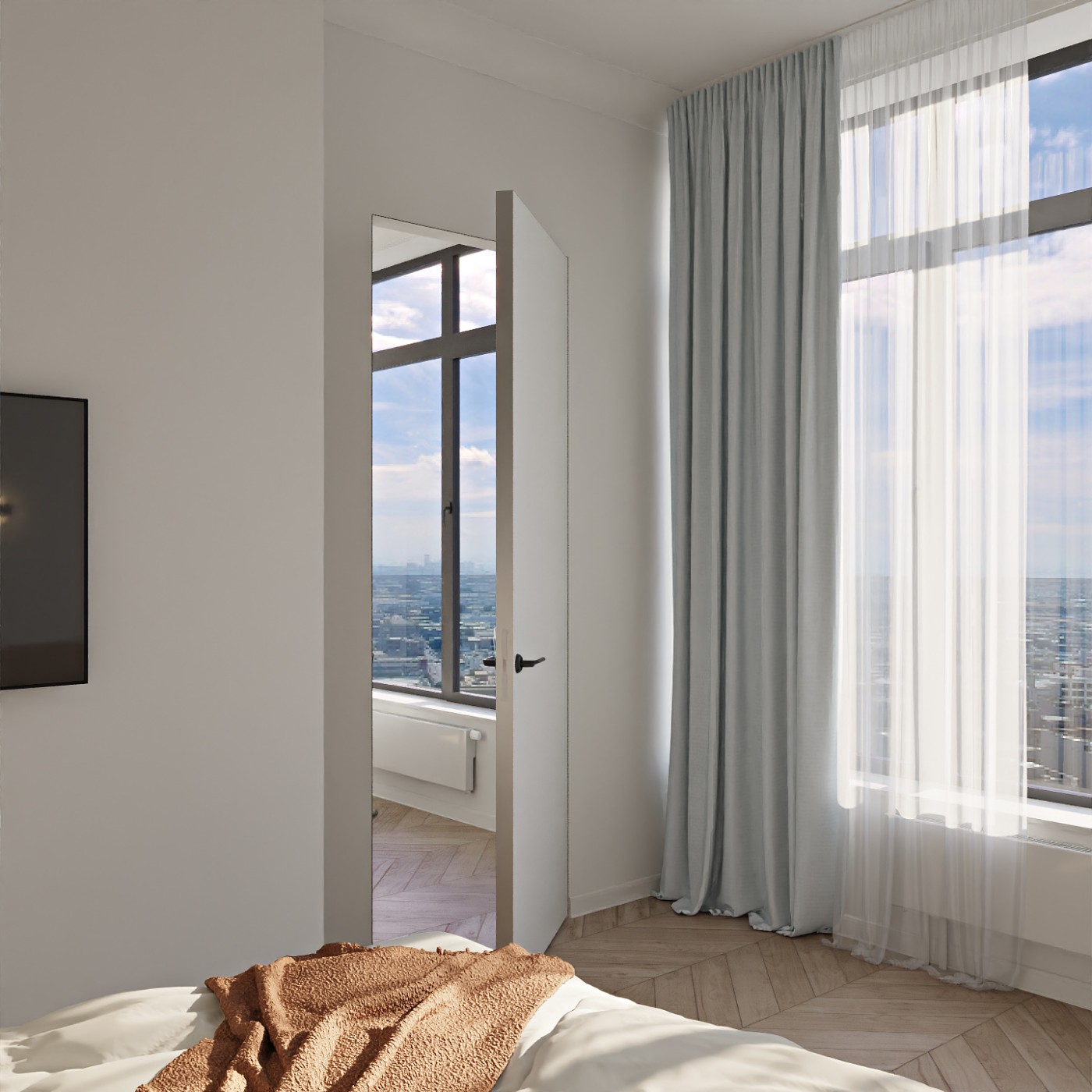
Adjustable animation position for models
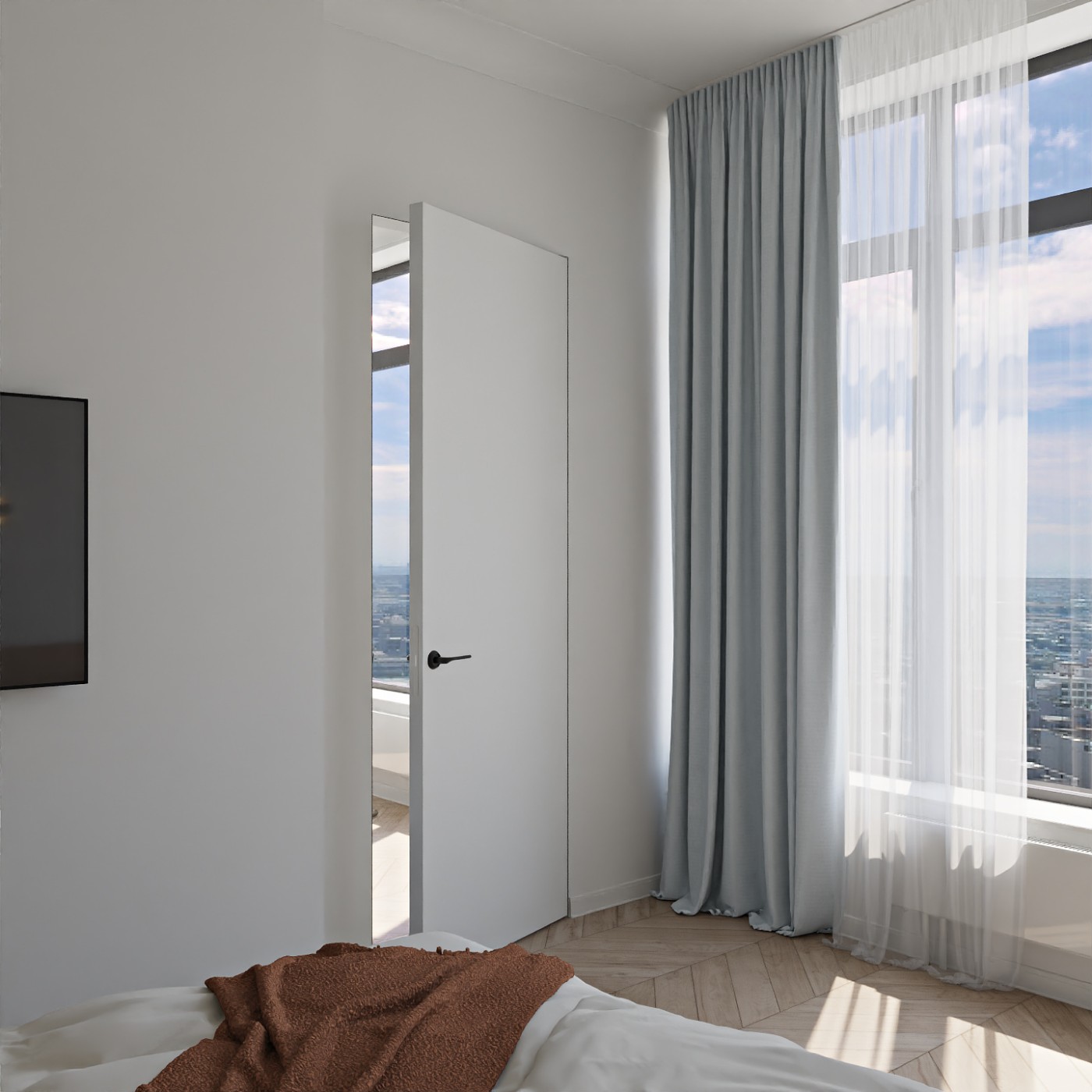
Animated models now let you set the opening angle for windows and doors. The leaf stays open exactly as much as the scene needs.
Larger previews and a content filter
When adding plans and renders to the design project workspace, you can enlarge a preview and inspect the detail before choosing. A new content filter helps you find what you need faster.
Drag-and-drop tags
You can now reorder tags at any time in the tag management menu.
A3 plan export
A3 has been added to the plan export formats.
Elevation improvements
Elevations now display full groups, free-form shapes, false walls, and beams.
Status change via multi-select
You can change the status of several projects at once: select them with the "Select" button and assign the status you need.
Local project cache on by default
Saving a local cache is now enabled by default, so reloading projects is noticeably faster.
New interface scale option
Added a 1.5x scale for high-resolution monitors.
Content order preserved after deletion
After you delete content from the design project workspace, the remaining elements keep the same order as in the gallery.
Ruler tool shortcut
The Measure tool is now triggered with the 0 key.
Faster project copying.
Bug fixes
- Surface design now shows the top face of a false wall.
- Fixed an SVG export bug: text no longer flips orientation and tables display correctly. PNG plan export now outputs elements from the Electrical and Room Numbers sections correctly.
- Lights now update their state color correctly when switched on and off.
- The color picker now closes when you select another symbol object.
- Fixed a tag bug: if elements in a group had a tag but the group itself didn't, hiding the tag also hid the elements.
- Filling a single table cell with the eyedropper no longer spreads the color to other cells.
- Fixed a bug that built an opening across two walls at once when parallel walls were close together.
- First-floor dimensions no longer break after edits on a copied floor.
- The specification now shows materials for all wall faces.
- Tightened the validation when drawing walls, so there are fewer errors.
- Fixed an issue where window panoramas looked pixelated in renders. This affects both uploaded and default panoramas.
