
Plan Annotations: Shape
4 min
Learn how to use the Shape tool, how to change the color and the fill
Detailed text guidelines and reference materials that help to understand the app's functions.
Learn how to use the Shape tool, how to change the color and the fill
Learn how to add text labels to a plan to format drawings and explain project details.

Use a table to display information on your plan in a structured and visual way.

Create mood boards, graphic cues and visual comments.
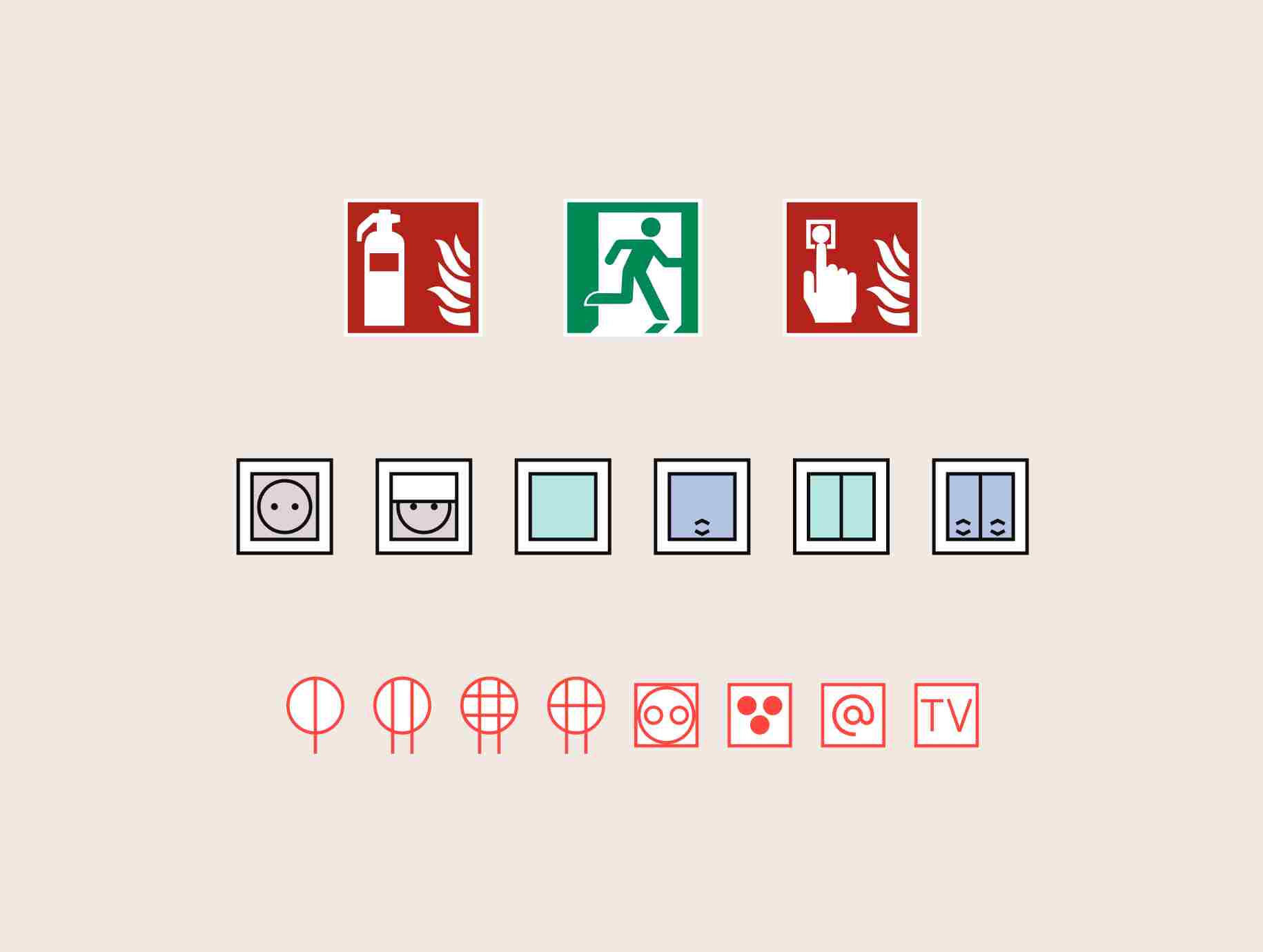
Learn how to use graphic elements to label outlets, light fixtures, furniture, and other objects on a 2D floor plan.