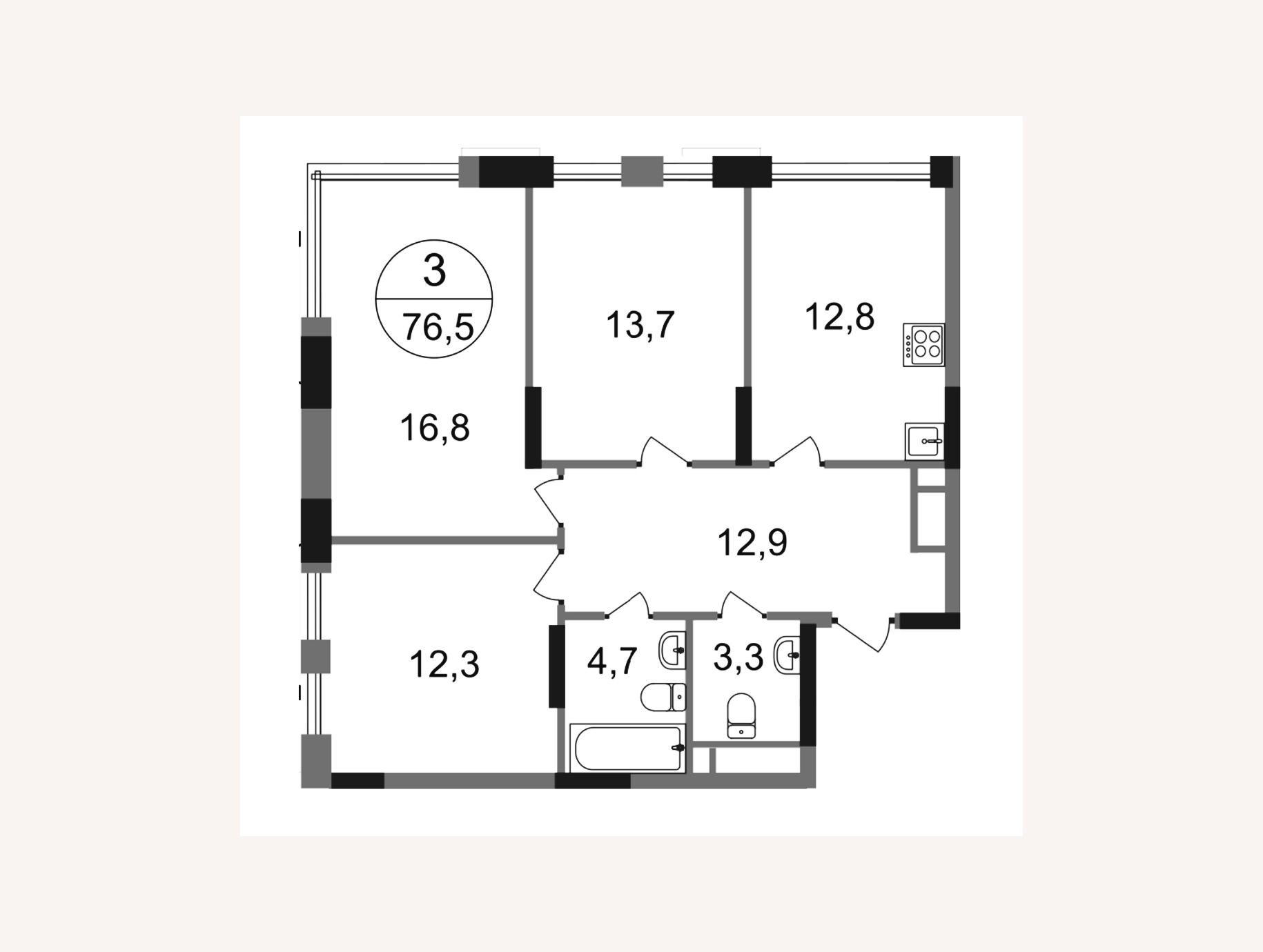
Uploading a Substrate
6 min
Learn how to download a ready‑made plan for more convenient construction
Detailed text guidelines and reference materials that help to understand the app's functions.
Learn how to download a ready‑made plan for more convenient construction
Building walls in Planoplan allows you to create the layout of a room, defining its shape, dimensions, and configuration for further
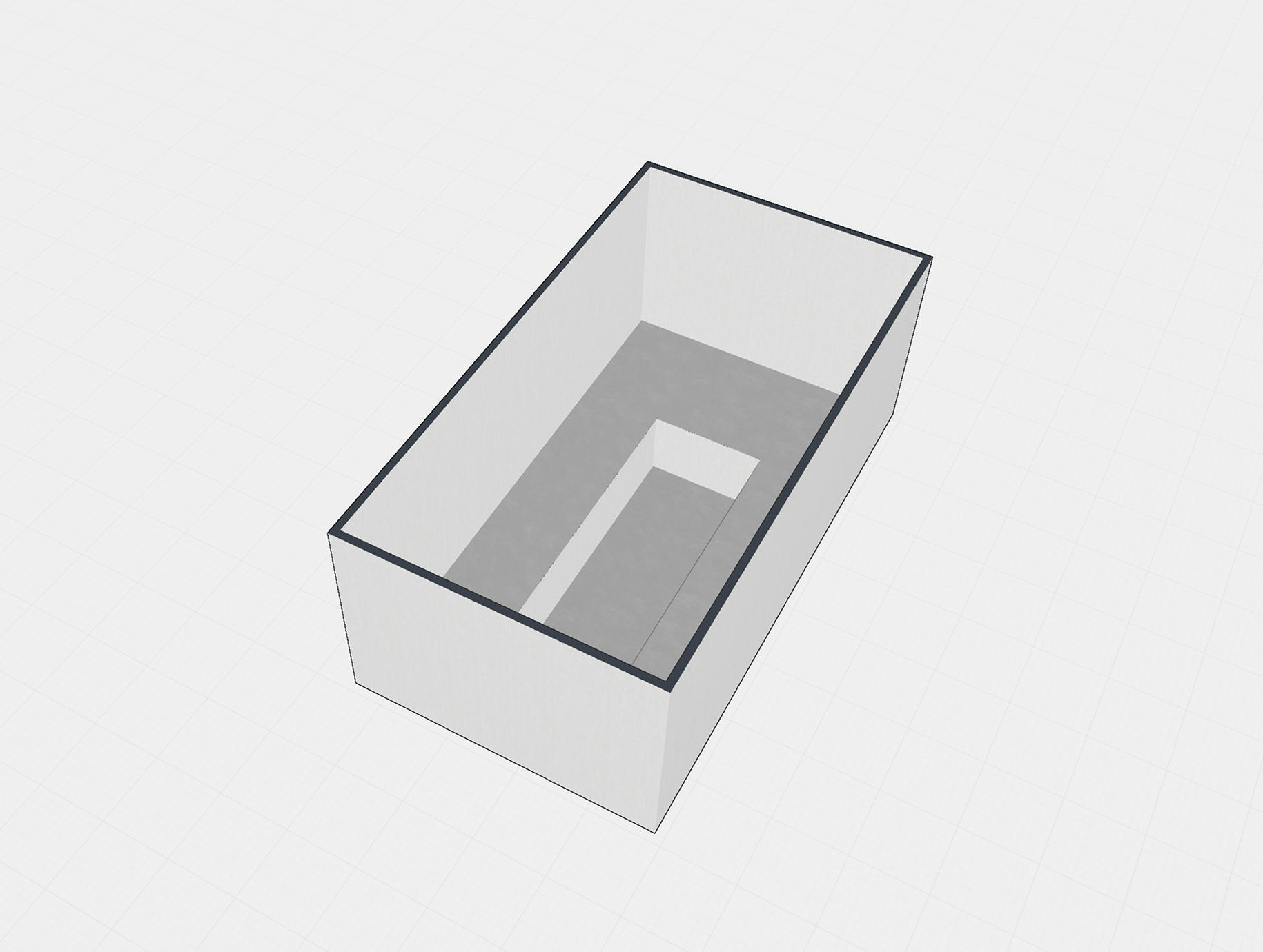
To create openings between floors, multi‑level layouts, to zone walls, floors and ceilings
Build multi‑story layouts. Add or copy floors. Use floors as layers ‑ on one floor you can do electrical wiring, on another ‑ ventilation
A tool for accurately measuring distances and objects in 2D and 3D interiors
A specification is used to collect and organize information about the objects and materials in a project, making it easier to prepare documentation for clients and contractors.
Save project layouts as images to use them when working with builders, clients, or for printing documentation

Versatile layers for organizing project and drawing work.