Start Your Work in Planoplan
What a newcomer needs to know: a software overview, useful links, and great offers
- 22 may 2024
- 236174
You've downloaded Planoplan and completed registration. What's next? Welcome! We're thrilled to have you with us! Planoplan is your tool for creating impressive interiors and visualizations. To ensure a smooth introduction and help you get up to speed quickly, we've prepared this brief guide. Here you'll find everything you need to get started.
Your Reliable Assistant: The Help Center
The first thing we recommend is visiting our Help Center. It's a unified library of all training materials, with information organized from simple to complex. Here you'll find not just instructions, but entire thematic learning paths. Start with the "For Beginners" module — it includes a selection of the most essential starter materials.
If you want to dive deeper into a specific topic, the training modules will help you understand the details through articles, and hotkey cheat sheets. Need a quick answer? Use the search on the main Help Center page or the "Problem-solving" block to get tips and answers to frequently asked questions.
A Useful Video for a Quick Start
To immediately immerse yourself and understand the basics of the interface, watch this overview video. It will help you navigate the program and start working with more confidence.
If a video tutorial is a comfortable tool for you to learn the software, subscribe to our YouTube channel!
Stay Updated: Blog and Social Media
Planoplan is more than just software. It's a community and a source of inspiration.
Our Blog is where we share the most important things: detailed update announcements, inspiring success stories from other designers, and practical tutorials that answer the question, "How do I create that magic?"
Social media helps us stay connected. On Pinterest, we publish works for your inspiration. Subscribe to stay in the loop!
If You Need Help: How to Contact Support
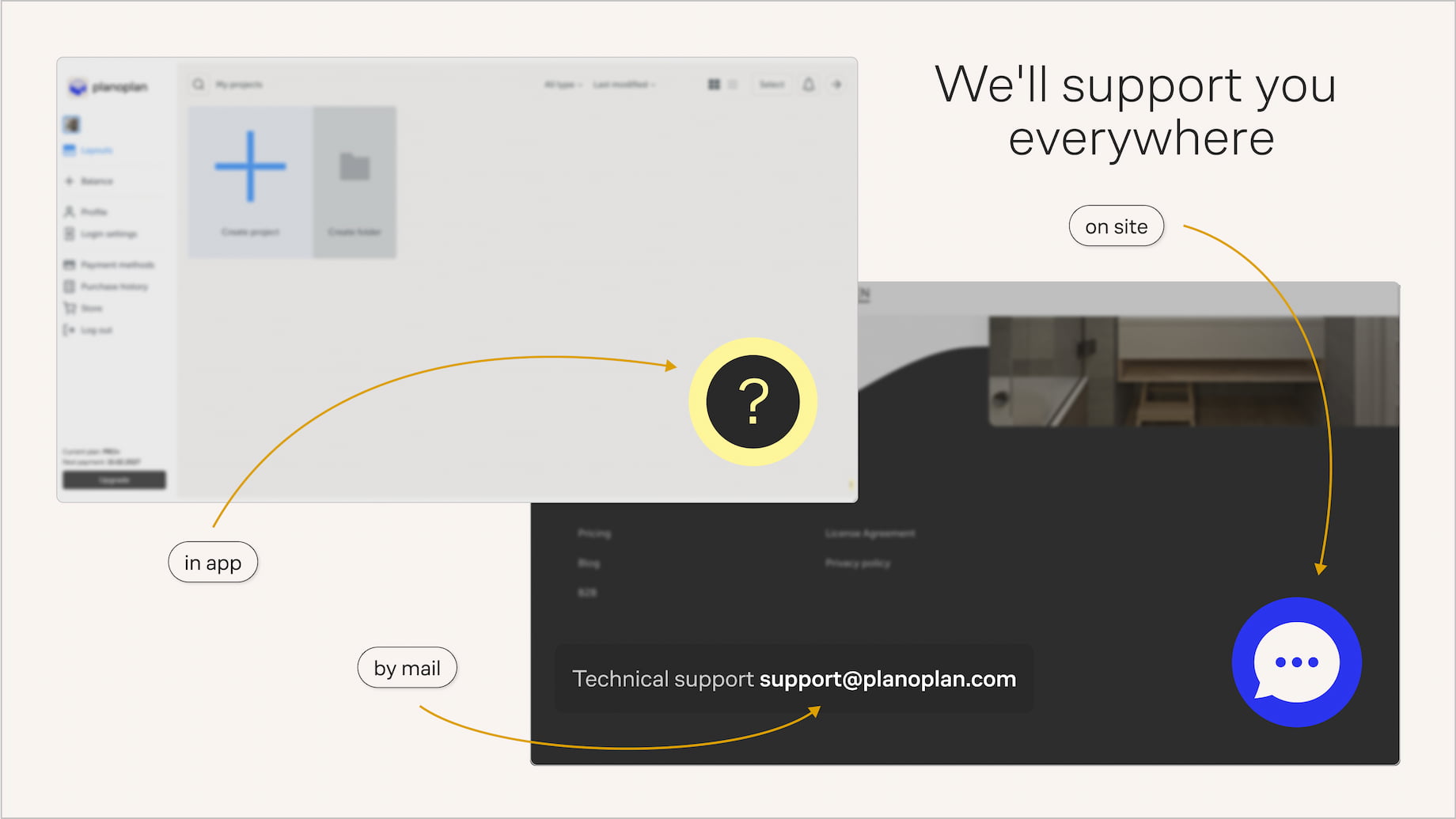
We're always here for you. The most effective way to get help is to write directly to the support chat within the program or on the website. This way, our specialist can immediately see the context and provide targeted assistance. It's also convenient for sending screenshots and information about your project.
If for some reason this isn't convenient, you can always email us at support@planoplan.com.
The Choice Is Yours
We've created different plans so you can choose the path that best fits your needs.
Please note that an annual subscription is not only more cost-effective (like getting 2 months free), but also provides peace of mind for the whole year ahead, with bonus tokens included.
If you feel you want professional capabilities right from the start, take a closer look at the "Expert" plan. It grants access to a library of complex materials, improved rendering quality, virtual tours, and much more.
During the trial period, you can purchase the "Expert" plan with a 30% discount using the promo code TRIAL. This is an excellent opportunity to get the best of Planoplan for solo work on favorable terms.
Now you have all the landmarks. Don't try to learn everything at once. Start with the video, try creating your first room and arranging furniture. And if a question arises — you now know exactly where to find the answer or help.
We wish you a pleasant and creative introduction to Planoplan! Your first projects are waiting for you.