Registration and Login
5 min
Create an account or log in to save your projects and access personalized features
Detaillierte Textanweisungen und Supportmaterialien, die Ihnen helfen, die Funktionalität der Anwendung zu verstehen
Create an account or log in to save your projects and access personalized features

Create photorealistic interior renders with accurate lighting, materials, and details for professional project visualization
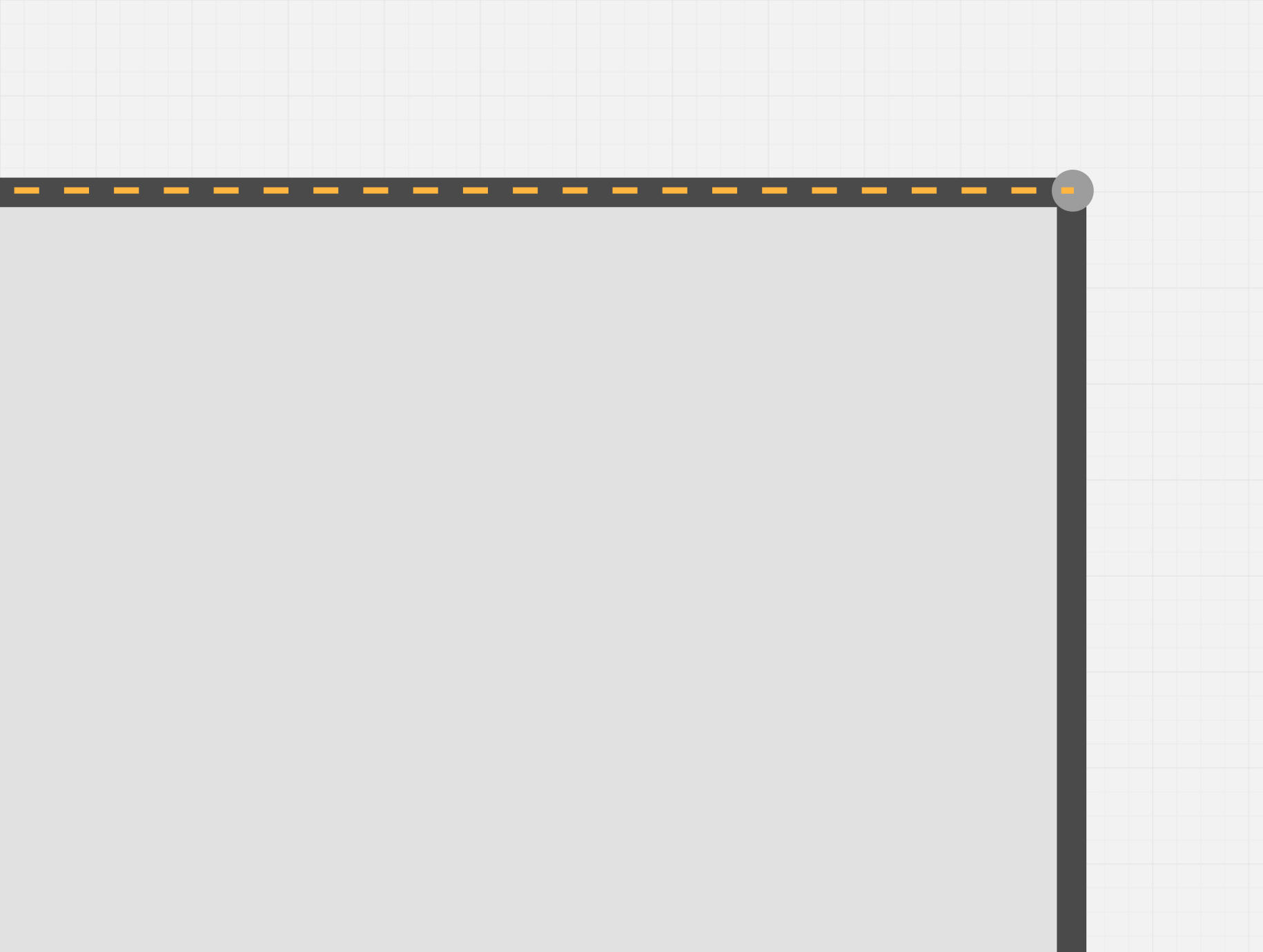
Automatically align objects with other elements or guides — a simple and fast way to create an accurate layout
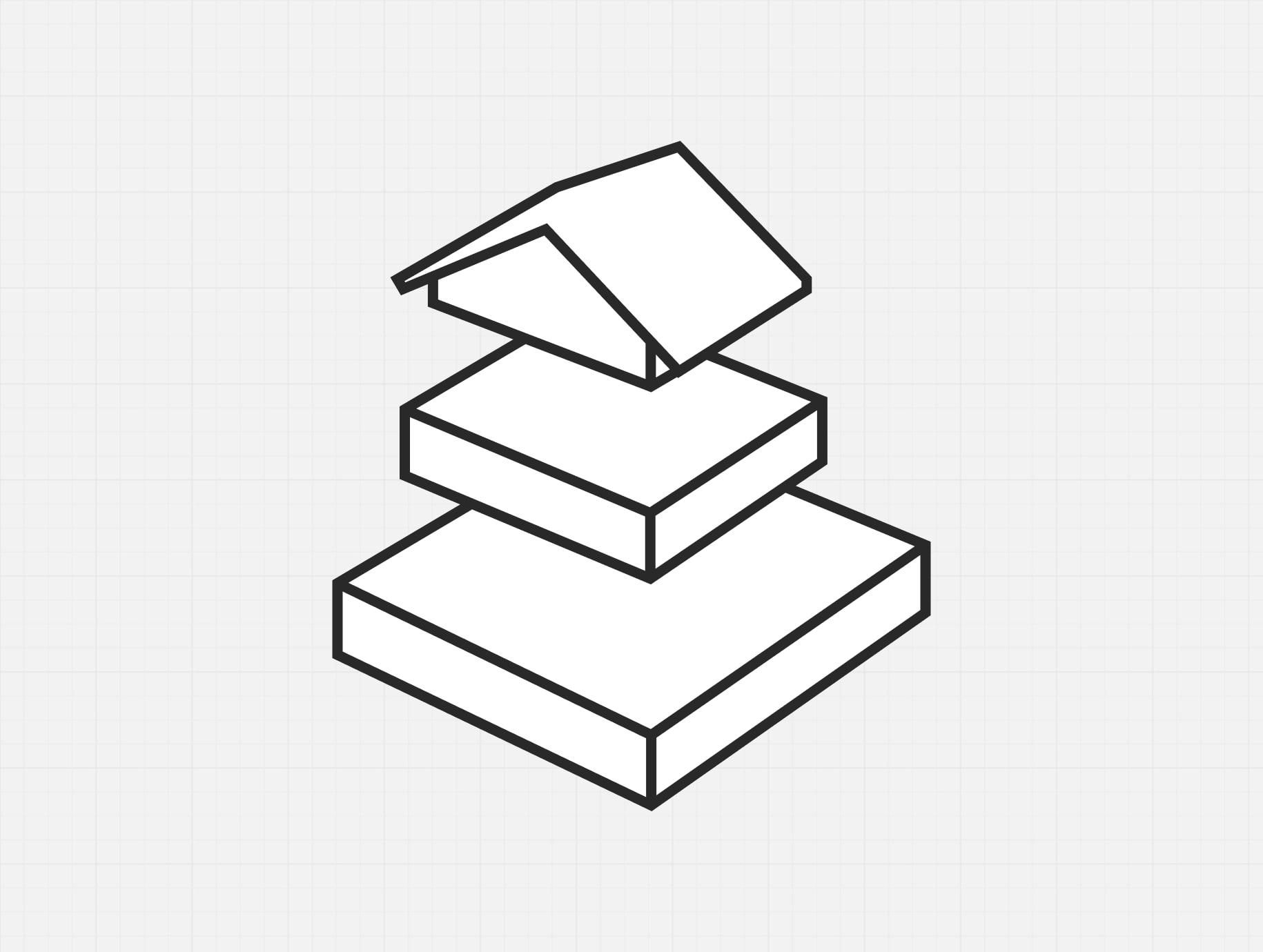
Build multi‑story layouts. Add or copy floors. Use floors as layers ‑ on one floor you can do electrical wiring, on another ‑ ventilation
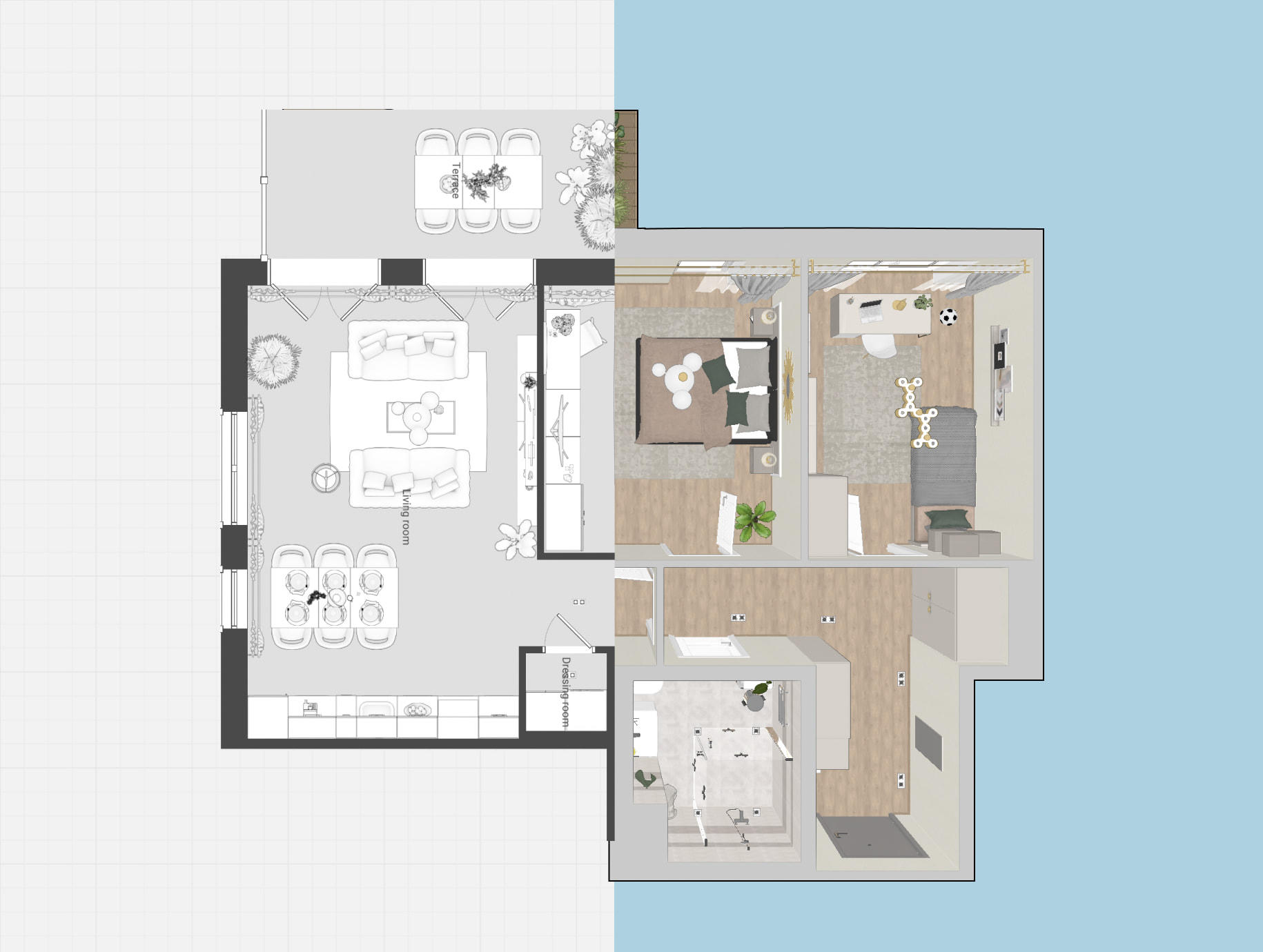
Overview of Tools for Creating Design Projects
Create realistic 360° panoramas and combine them into virtual tours for a fully immersive interior experience

The Gallery in Planoplan is a section for storing and managing all project visuals, including renders, plans, wall elevations, panoramas, virtual tours, and the estimate
The personal account allows you to easily manage projects, save settings, and access your materials and renders

A tool for accurately measuring distances and objects in 2D and 3D interiors
The “Settings” section allows you to personalize your workspace, manage measurement units, display quality, and other parameters for a more comfortable workflow

Create interactive virtual tours and panoramic views to fully immerse users in the space
A specification is used to collect and organize information about the objects and materials in a project, making it easier to prepare documentation for clients and contractors.