New Plans, Tokens, and Complex Materials
Estimate, catalog novelties, project cover selection, and other changes in Planoplan 4.0.0 update
- 17 december 2025
- 3453
Improvements
Updated Plan Lineup
The plan lineup has changed to more flexibly suit different tasks and needs: from DIY renovation to a powerful professional tool supporting teamwork. As a token of gratitude for your trust, all active users on the "BASIC" plan have been moved to "Base", and "PRO+" users to the "Expert" plan without recalculating the cost of the paid period. New charges will be based on the cost of the new plans. You can always change your plan yourself in the application or contact support for assistance. Read more in our article "Planoplan's New Era".
Token System
Tokens are a new universal currency for performing resource-intensive tasks in Planoplan, such as renders and 360 panoramas. They are replacing static packages. Simply put: you no longer buy a pre-defined package of renders and panoramas, but universal units — tokens. And you spend them exactly on what you need at the moment, consuming resources based on the task, not on a pre-selected package. Read more in the article "The Token System in Planoplan".
Complex Materials
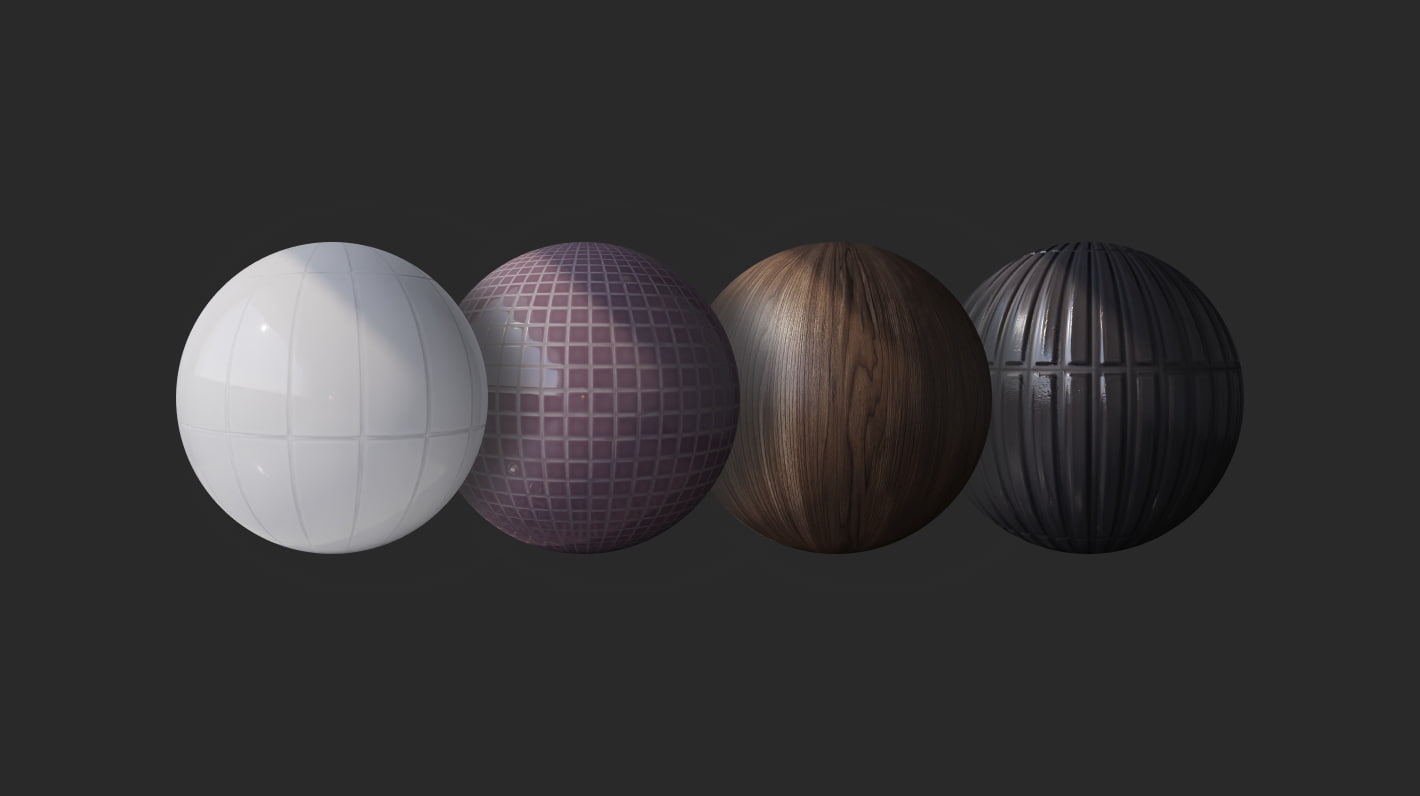
Complex materials are not just textures, but fully prepared sets of parameters that convey subtle effects: deep reflections, natural shine, surface micro-relief. Light on such materials becomes "alive", and interiors — maximally authentic and realistic. Users on the "Expert" plan have access to over 120 such materials. Read more in the article "The Detail Revolution".
New Estimate in the Project Gallery
The estimate reflects all objects and materials used in your project. We've made the table convenient to use: you can freely edit rows, change object previews, and even add comments with interactive links. The estimate automatically maintains cost calculations both based on the quantity of individual elements and the total cost by category. For convenience and data sharing, the estimate can be downloaded in CSV format or shared via a direct link.

Tulle Coloring
Implementing one of the most frequent requests. The "tulle" material can now be recolored to any color from the Planoplan palette. No more compromises on shade.

Catalog Novelties
We've added a separate section for viewing the latest additions to the catalog. Models are grouped by release date and accompanied by detailed descriptions.
Structure in the Community Catalog
User models and materials are now organized into a full-fledged structure. Find the elements you need faster and easier.
Content Filtering in the Gallery
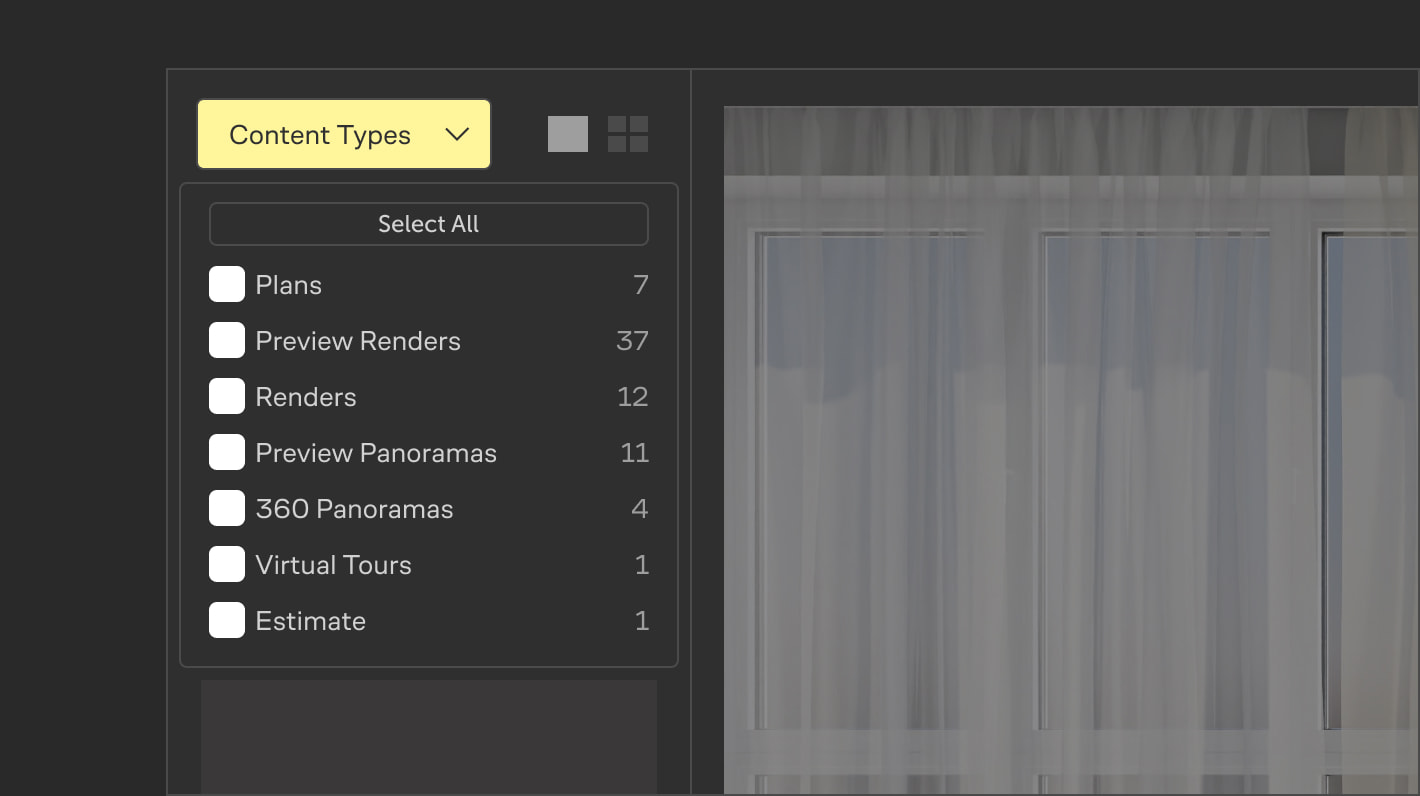
Content filtering by category is now available. This allows you to show only the type of data you need at the moment.
Project Cover Selection
Set a render, plan, or view from the project gallery as its cover.
Minimum Base Camera Clipping
In render creation mode, base camera clipping is now minimal. Now you will definitely see if your camera has hit a wall or inside a model, which helps avoid errors during final frame setup.
Improved Save System
We've optimized the process of saving changes, improving the overall stability of working with your projects. Additionally, the system that notifies you about having a later version of the project on your computer has been adjusted. This will help avoid accidentally overwriting current data with old files.
Polygonal line Update
Added the ability to delete intermediate points, and the line settings now display its current length.
Faster Login to Team
If you logged out of the application while working in a team account, next time you will go straight into it.
Updated Object and Group settings interface.
Transitioning to surface design is now possible directly from 2D mode.
Fixes
- Fixed an error with opening folders in a team account.
- The group bounding box now correctly rebuilds when changing the position of objects inside it.
- Fixed an error where element outlines would stop working after canceling the exit from model editing mode.
- Ensured correct transfer of a project folder from the local folder to the team account.
